
Sticker stories · Part 2 · 1987 – today
The life of the GIF
A format invented in 1987 to squeeze a picture down a phone line turned out to be perfect for something its makers never planned — a few looping frames that say what words can’t.
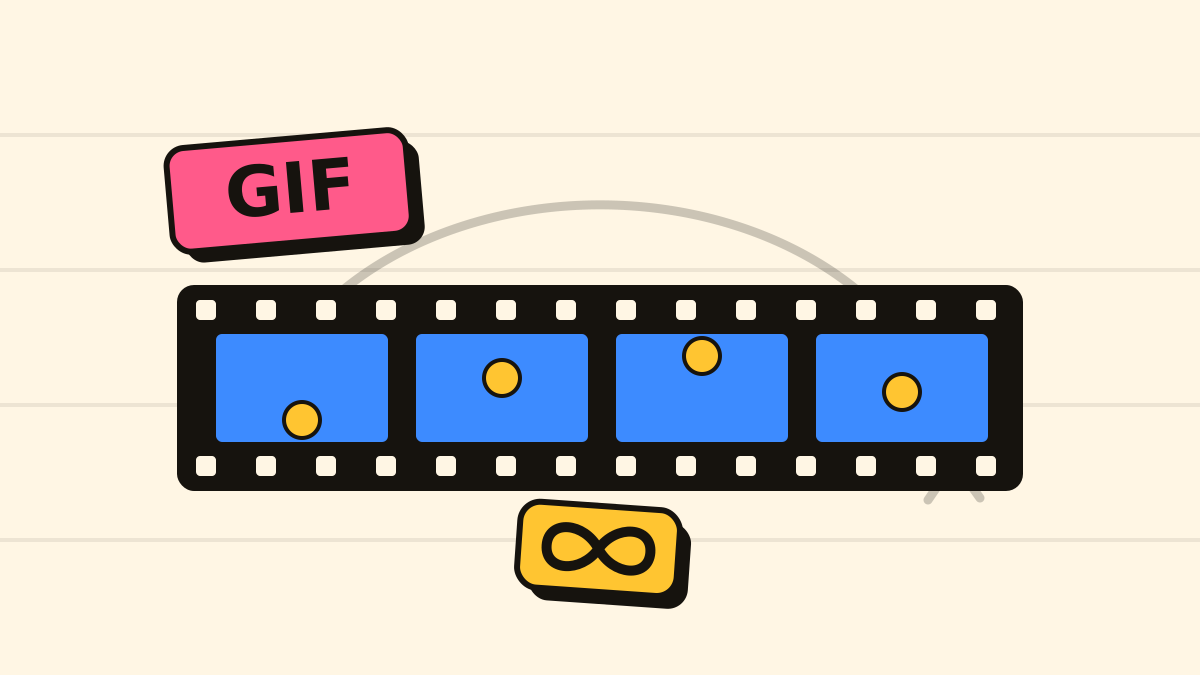
The last story ended on a technical thread: almost every early viral meme moved as a GIF. That is not a coincidence. For about fifteen years the GIF was the only way to put a moving thing on a web page — and long after that stopped being true, it stayed the format memes are made of. Here is how a file built for 1987 became the native tongue of internet reactions.
Born for a slow modem
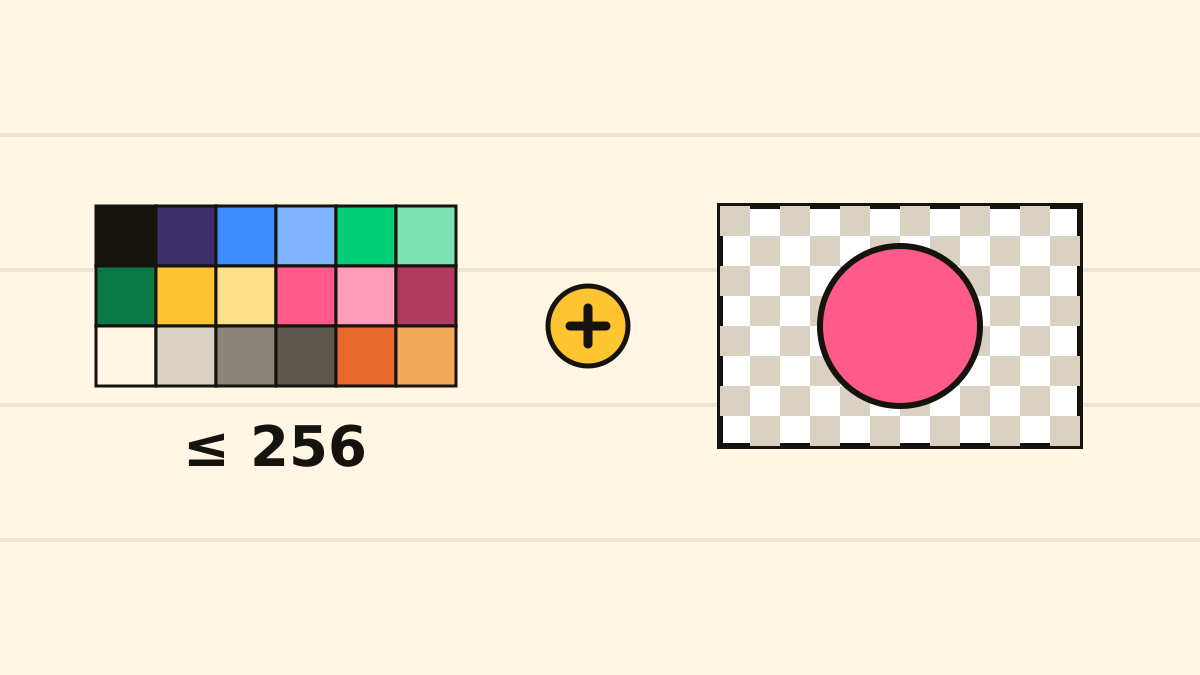
The GIF — Graphics Interchange Format — was released by the online service CompuServe on 15 June 1987, in an effort led by a programmer named Steve Wilhite. The problem it solved was mundane: how to send a colour picture to people on all kinds of computers, down a phone line, without it taking all afternoon. The answer was a compact format using a lossless compression scheme (LZW) and a palette of up to 256 colours — few enough to keep files tiny, enough to draw a clean logo, a cartoon or a diagram.
That palette is the GIF’s whole personality. Give it a photo and it has to throw away almost every colour; give it a flat drawing with a handful of colours and it is nearly perfect. Decades later that is still exactly the trade — and exactly why stickers and simple animations, not photographs, are what the format does best.
The version that learned to move
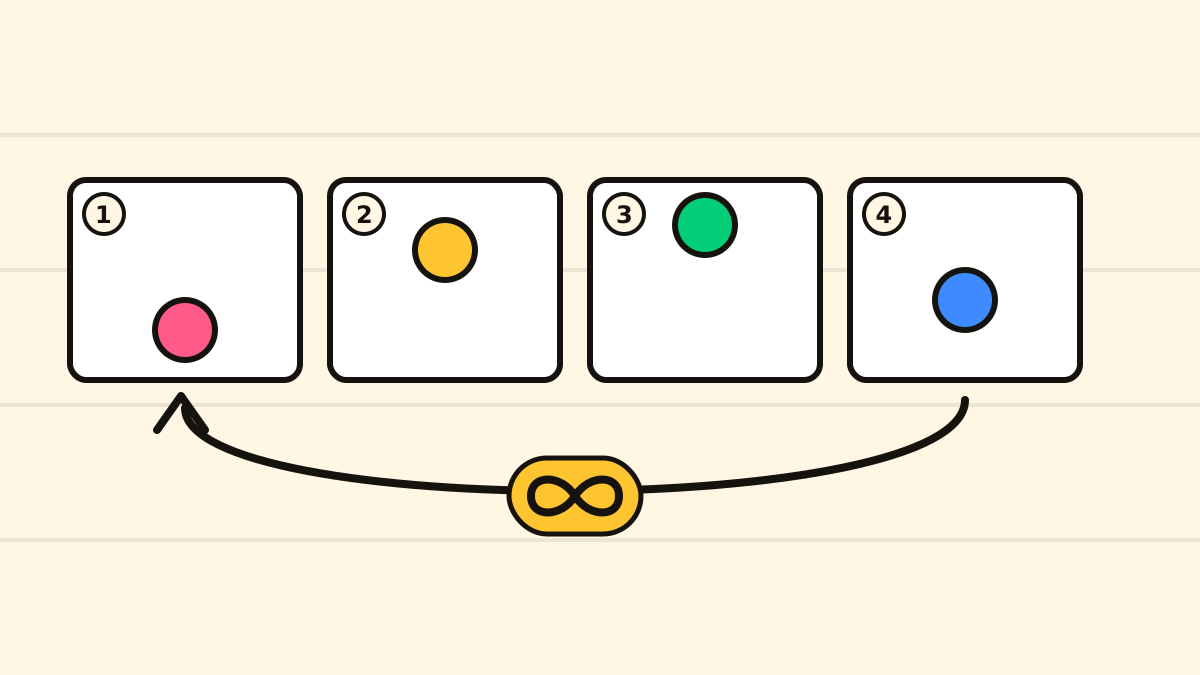
The 1987 GIF held a single still image. Two years later, in 1989, came the update that changed everything: GIF89a. It added two features that turned a picture format into a moving one. First, transparency — a pixel could be marked “show whatever is behind me”, which is what lets a round face sit on a coloured background without a white box around it. Second, and more famously, animation: a GIF could now hold several frames with a delay written next to each, so a program could flip through them like a tiny flip-book.
Crucially, GIF89a also allowed application extension blocks — little pockets of extra instructions that specific programs could read and others could ignore. That quiet feature is where the loop came from.
Why it loops forever
A GIF89a could store multiple frames, but nothing in the 1989 spec said what should happen after the last one. Stop? Start again? For a few years it was inconsistent. Then, in 1995, Netscape — the dominant web browser of the day — defined a small application extension of its own, the “NETSCAPE2.0” block, that told the browser how many times to repeat the animation, including the option to repeat it forever.
That single convention is why, to this day, a GIF loops. It is such a specific piece of history that you can still find it inside the files: our own tools sniff for exactly that “NETSCAPE2.0” marker to tell an animated GIF from a still one. A decision made inside a browser in 1995 is still the reason your reaction GIF never stops.
The native tongue of reactions
Give people a format that is short, silent, looping and easy to make, and they will use it to react. Through the 2000s and 2010s the reaction GIF — two seconds of a face rolling its eyes, a celebrity nodding, a cartoon walking away — became a language of its own, especially on blogging platforms and forums where you could reply with a moving image instead of words. It is the direct descendant of the typed-reaction “xeroxlore” from our story on paper memes, except now the reaction moves.
By the mid-2010s the format was so central that the big platforms built GIF keyboards into their chat boxes (search services like Giphy and Tenor, both from the early 2010s, exist for exactly this), and a button marked “GIF” became standard next to the one for photos. A curious footnote: many of those “GIFs” are no longer GIF files at all — to save bandwidth the platforms quietly serve them as small videos. The word has outlived the format.
“Jif” or “gif”?
No history of the GIF can dodge the argument: hard G, like “gift”, or soft, like “jif”? Steve Wilhite was unambiguous — he meant it to be “jif”, and even joked that “choosy developers choose GIF”, a nod to a peanut-butter slogan. He said it again, on stage, accepting a lifetime-achievement Webby Award in 2013. The hard-G camp was, and remains, unmoved. Most dictionaries now simply list both and step back. We will do the same.
Outdated and immortal
By any technical measure the GIF should have faded years ago: 256 colours, bulky files, no sound, beaten on every front by modern video. And yet it is everywhere, because it turned out to encode something more durable than pixels — the idea that a reaction is best delivered as a short, silent, endlessly repeating loop. Format obsolete; instinct permanent.
The GIF gave memes a body that could move. What it still couldn’t do was carry a joke format — a reusable layout you could pour any punchline into. That arrived in the mid-2000s, in white block letters on a photo of a cat.
Next in this series: image macros, LOLcats and rage comics — the moment memes got a grammar.
Sources
- Wikipedia — GIF
- CompuServe, “Graphics Interchange Format (Version 89a)” specification, 1990
- Wikipedia — Reaction video